How do photographers add video with AI?
After a shoot, upload your best images to ImageMotion AI, animate them with cinematic motion, and deliver finished video clips alongside the photos — a premium add-on with no extra filming.

For property photographers
Add a premium video deliverable to every shoot. ImageMotion AI turns the photos you already capture into cinematic clips — a profitable upsell with no extra filming and no editing.
Try up to 3 photos with your free welcome credits. Small watermark. No card required.

Quick answer
Property photographers use ImageMotion AI to turn the photos they shoot into cinematic video clips, adding a premium video deliverable to every job. There is no extra filming or editing — the AI generates motion from existing images in seconds, creating a profitable new revenue stream.
After a shoot, upload your best images to ImageMotion AI, animate them with cinematic motion, and deliver finished video clips alongside the photos — a premium add-on with no extra filming.
Yes. Video is a high-margin add-on: you reuse images you already deliver, with no extra shoot time, so it is close to pure profit per job.
No. The AI produces the clips automatically — no timeline, rendering or editing suite required.
Property photographers are increasingly asked for video, but adding a filmed walkthrough means more time on site, more kit and hours of editing. That makes video hard to price profitably and slow to deliver.
AI video changes the economics. You shoot the property as normal, then animate your best images into cinematic clips back at your desk. You deliver photos and video from a single visit, with no extra filming and no editing software — a premium upsell that is close to pure margin.
ImageMotion AI is tuned for property, so the motion flatters your photography rather than distorting it. Offer it as a standard add-on, a package upgrade, or a white-label service to your agency clients.
Step-by-step
From a still photo to a finished property video in three steps. Credits are only used when you confirm generation.
Add the listing photographs you already have. The tester accepts up to three images; paid packages accept more.
Choose a package, order your photos and add branding or music where the package supports them. Nothing is generated until you confirm.
Start the video when you are ready. When processing finishes, download a composed 1080p MP4.
For photographers
A high-margin video upsell on every booking.
Reuse the images you already capture and deliver.
Generate clips in minutes — no timeline or rendering.
Offer photos plus video where competitors offer stills only.
Example use cases
Real ways property professionals put this to work every day.
Add a video tier to your shoot packages.
Deliver branded clips your agency clients can post.
Sell vertical reels as a social-ready extra.
Animate your dusk shots into premium clips.
Because the cost per clip is low and the time investment is minimal, video is one of the most profitable add-ons you can offer.
Examples
A few examples of still property photos turned into cinematic AI videos.
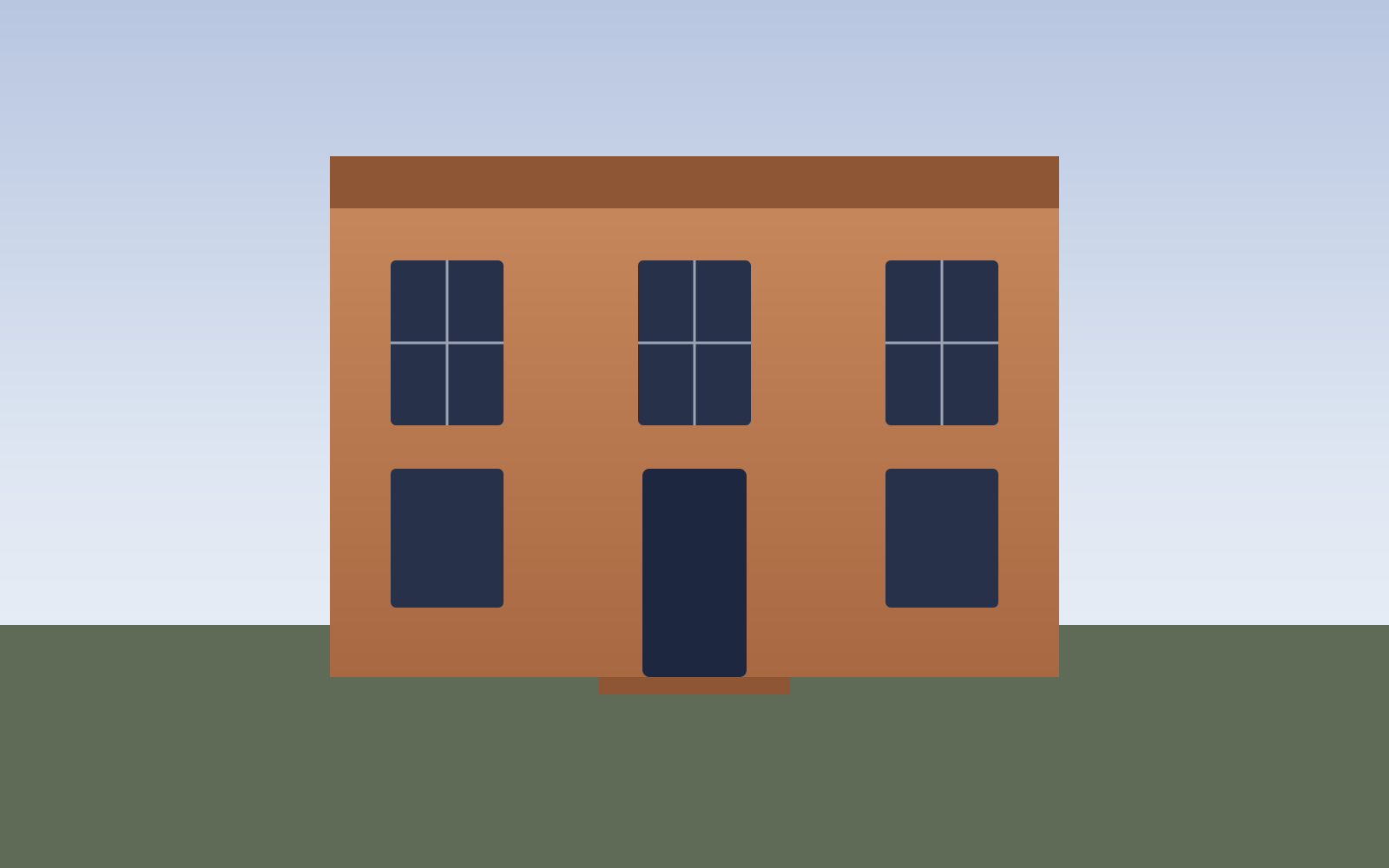
Georgian townhouse — exterior push-in
Exteriors
Living room — parallax motion
Interiors

Kitchen — vertical reel
Social reels

Twilight exterior — cinematic teaser
Luxury

Bedroom — square social clip
Social reels

New homes — development teaser
New homes
FAQs
4 answers to the questions property professionals ask most.
Explore further
Animate your best images into cinematic clips and deliver photos plus video from a single visit. Pay as you go.