What is AI image to video?
AI image to video is software that turns a still photograph into a short moving video clip by generating realistic camera motion and depth, so a single image becomes cinematic footage without any new filming.

AI image to video
Turn a single still image into a cinematic moving video in seconds. ImageMotion AI adds realistic camera motion, parallax and depth to your property photos — no filming, no editing software and no learning curve.
Try up to 3 photos with your free welcome credits. Small watermark. No card required.
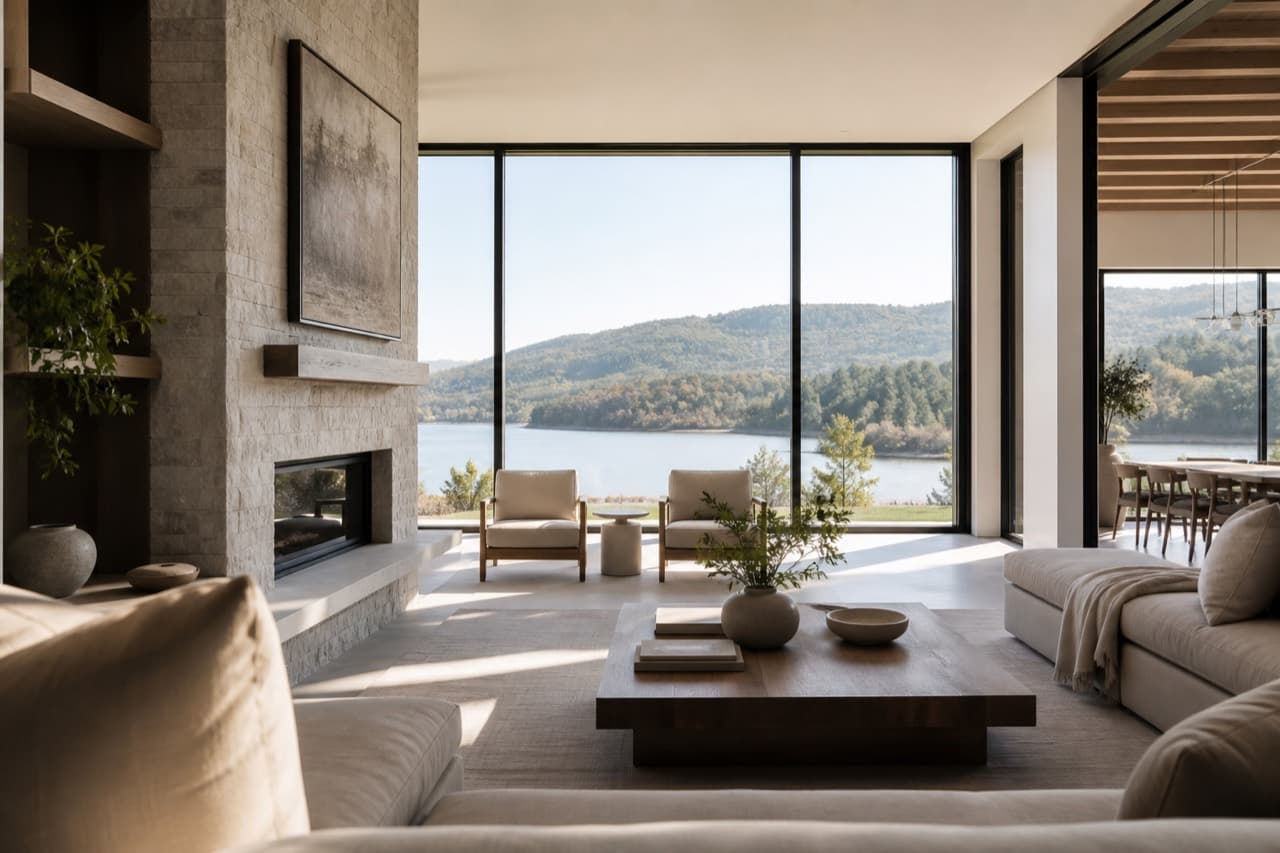
Quick answer
AI image to video is technology that converts a single still photo into a short moving video. The AI analyses depth and composition, then adds cinematic camera motion — push-ins, pans, parallax and drift — so a static image becomes film-like footage in seconds, without filming anything new.
Watch the demo
Watch a still property photo become a cinematic AI video.
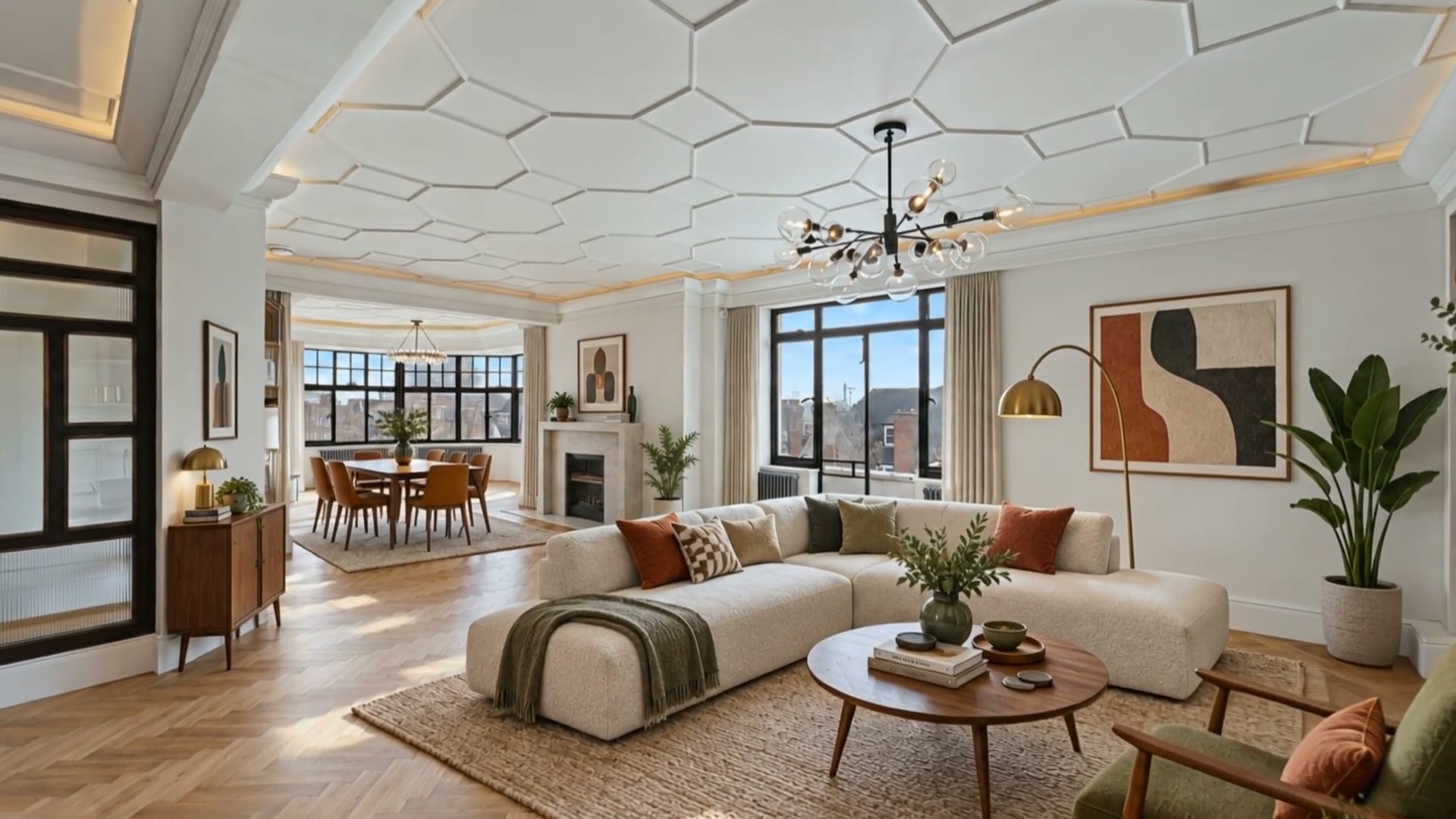
Watch the ImageMotion promo. The still loads first; press play for the full clip.
AI image to video is software that turns a still photograph into a short moving video clip by generating realistic camera motion and depth, so a single image becomes cinematic footage without any new filming.
The AI estimates the depth and structure of your photo, then animates the scene with camera moves such as push-ins, pans, parallax and drift. It renders a smooth clip you can export in any aspect ratio.
Most sharp, high-resolution photos work well. Property interiors, exteriors and twilight shots animate especially cleanly. Blurry, low-resolution or heavily cluttered images give weaker results.
AI image to video is a way of turning a single still photograph into a short, moving video clip. Instead of filming a property, you take an image you already have and let the AI generate believable camera motion — a slow push-in, a gentle pan, depth-aware parallax or a cinematic drift — so the photo comes alive.
For property marketing, this is transformational. Estate agents, developers, photographers and hosts already have libraries of high-quality listing photos. AI image to video lets you repurpose every one of those images into motion content for social media, listings and ads, without booking a videographer or learning an editing suite.
ImageMotion AI is built specifically for property. The motion styles, framing and pacing are tuned to flatter interiors, exteriors and twilight shots — so the result feels like a professional property film, not a generic AI gimmick.
Step-by-step
From a still photo to a finished property video in three steps. Credits are only used when you confirm generation.
Add the listing photographs you already have. The tester accepts up to three images; paid packages accept more.
Choose a package, order your photos and add branding or music where the package supports them. Nothing is generated until you confirm.
Start the video when you are ready. When processing finishes, download a composed 1080p MP4.
Why it works
Every listing photo becomes a potential video — no new shoots, no extra site visits.
Push-ins, parallax and orbits are generated automatically and tuned for property.
Export portrait, square and landscape so one image fits every platform instantly.
There is no timeline or render queue — upload, choose a style and download.
Example use cases
Real ways property professionals put this to work every day.
Vertical clips for Instagram, TikTok and Facebook from a single photo.
A cinematic opener for every portal and website listing.
Motion creatives that outperform static images on Meta and Google.
Looping clips to lift clicks in campaigns and digital brochures.
The workflow is deliberately simple so anyone in a property team can use it.
The quality of your source image directly affects the finished video. Start with the sharpest, highest-resolution photo you have, shot straight-on with even lighting. Decluttered or virtually staged rooms animate most cleanly because the AI has a clear scene to work with.
For exteriors, hero front elevations and twilight shots produce the most dramatic motion. For interiors, wide shots with visible depth — a hallway, an open-plan living space — give parallax the most to work with.
Compare
| Factor | AI image to video | Traditional video |
|---|---|---|
| Source | A single still photo | A full filming session |
| Turnaround | Seconds | Days to weeks |
| Cost | A few credits | Hundreds to thousands |
| Re-edits | Regenerate instantly | Re-book and re-cut |
| Formats | All ratios at once | One export per platform |
Examples
A few examples of still property photos turned into cinematic AI videos.
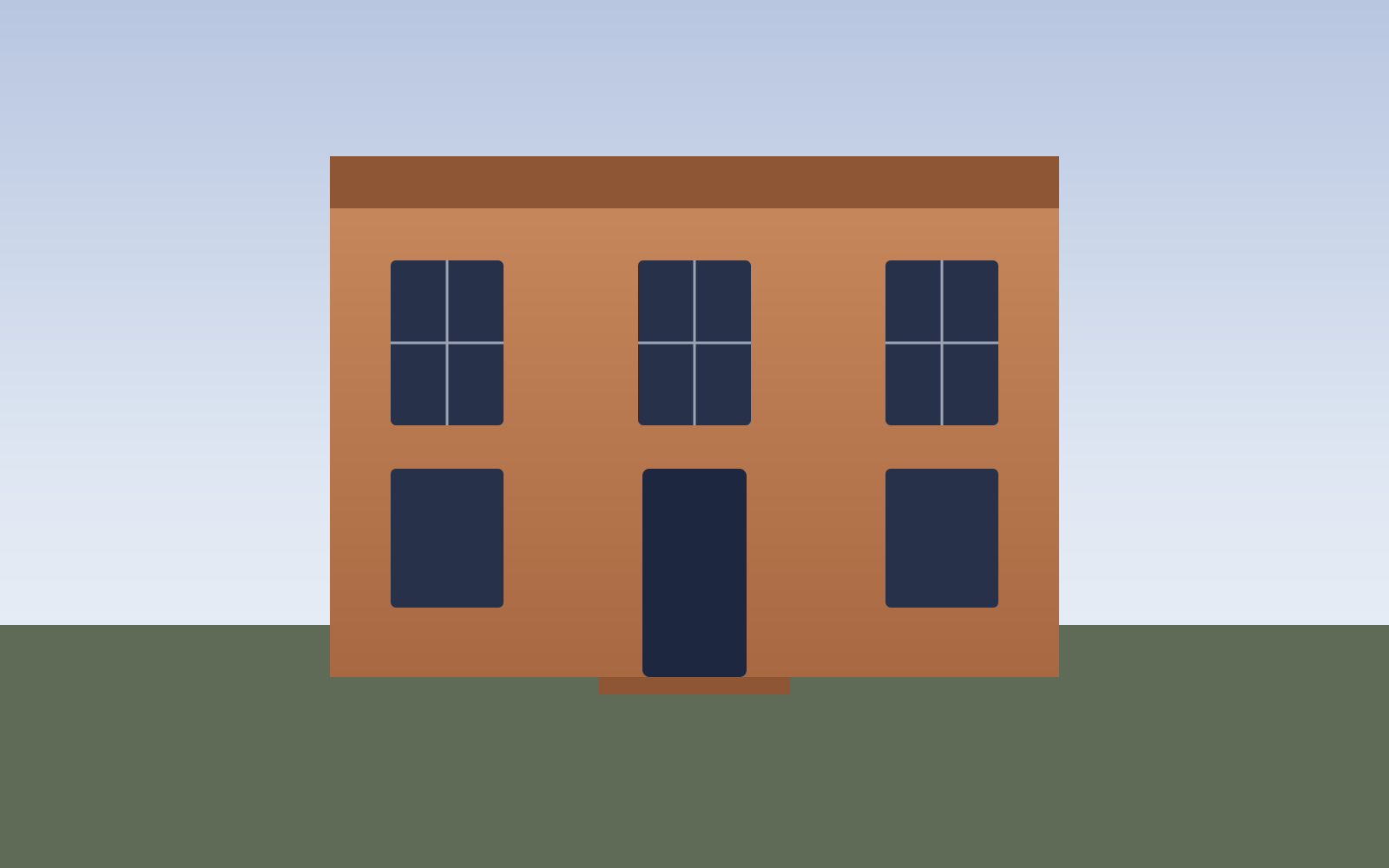
Georgian townhouse — exterior push-in
Exteriors
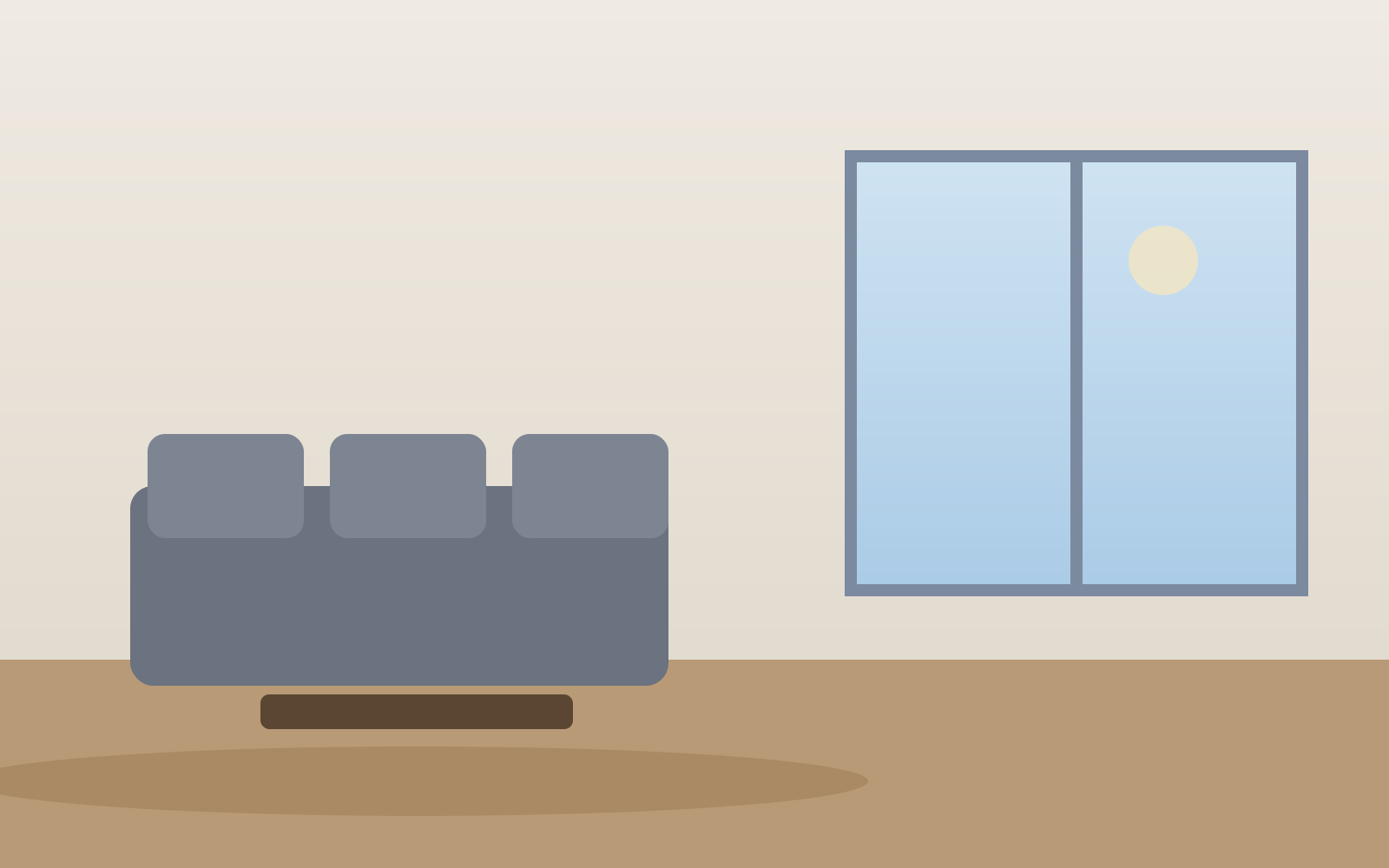
Living room — parallax motion
Interiors

Kitchen — vertical reel
Social reels
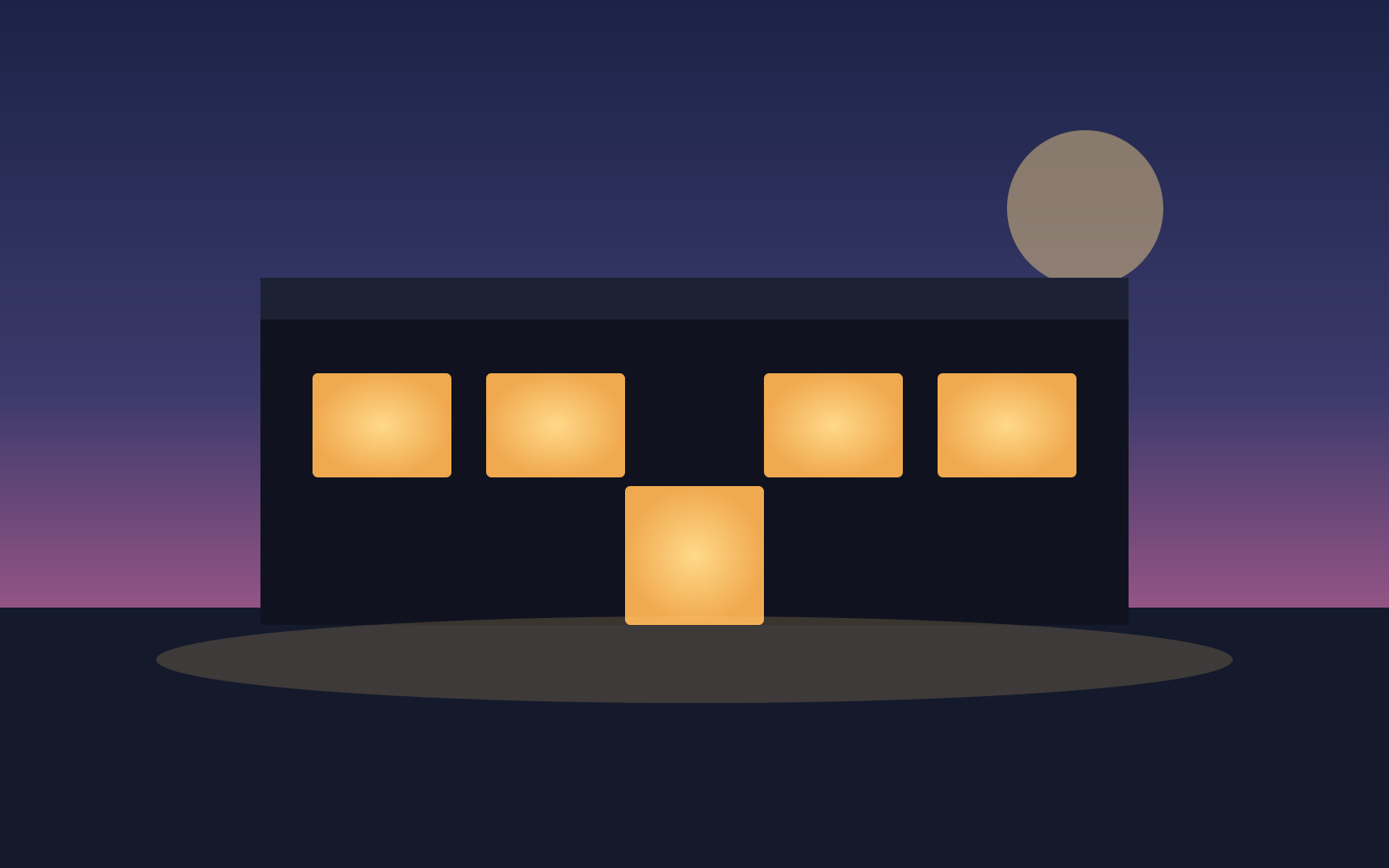
Twilight exterior — cinematic teaser
Luxury
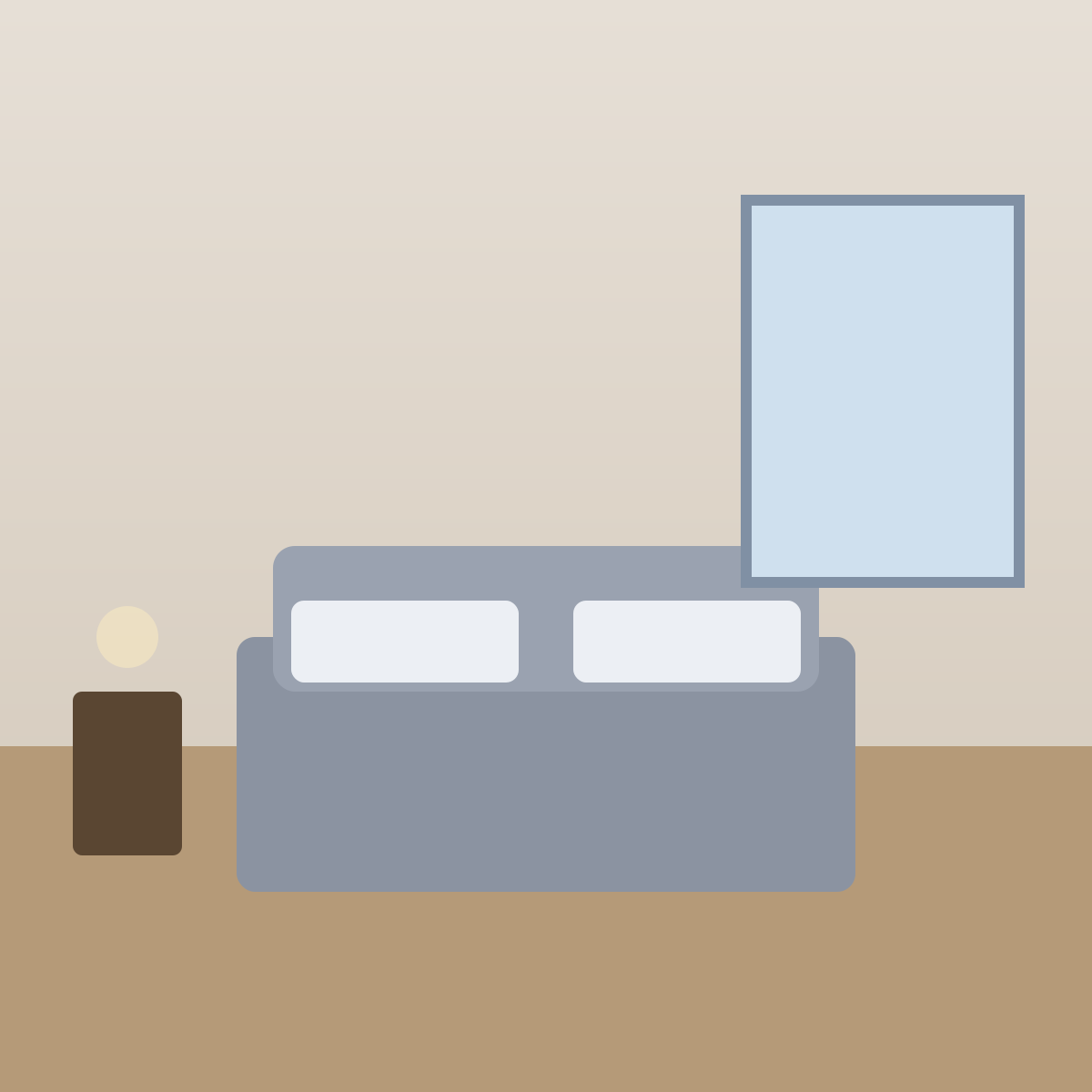
Bedroom — square social clip
Social reels

New homes — development teaser
New homes
FAQs
5 answers to the questions property professionals ask most.
Explore further
Upload a listing image and watch ImageMotion AI animate it into a cinematic clip in seconds. Pay as you go, no editing skills required.