How do developers use AI video?
Developers animate CGIs, renders and show-home photography into cinematic clips for launch campaigns, social, portals, brochures and sales-suite screens — built in minutes and updated as the scheme evolves.

For property developers
Market schemes and sell off-plan with motion. ImageMotion AI turns CGIs, renders and show-home photos into cinematic videos for social, portals, brochures and sales suites — in minutes.
Try up to 3 photos with your free welcome credits. Small watermark. No card required.
Quick answer
Property developers use ImageMotion AI to turn CGIs, renders and show-home photos into cinematic marketing videos. It builds buyer desire for schemes and off-plan homes in minutes, producing motion content for social, portals, brochures and sales suites without commissioning expensive development films.
Developers animate CGIs, renders and show-home photography into cinematic clips for launch campaigns, social, portals, brochures and sales-suite screens — built in minutes and updated as the scheme evolves.
Yes. Animate renders and CGIs to create motion content well before construction completes, building buyer desire and driving early reservations.
Yes. A scheme’s existing imagery fuels months of video content at a few credits per clip — far less than commissioning films.
New homes sell on desire built long before completion. Buyers reserve off-plan based on CGIs, renders and show-home imagery — and video amplifies all of it, turning flat visuals into motion content that creates emotional pull and travels across social media.
Commissioning development films and animations is costly and slow to update as a scheme progresses through phases. AI video lets your marketing team generate cinematic clips from the imagery you already have, and refresh them the moment a new unit type or phase launches.
ImageMotion AI animates renders, CGIs and show-home interiors into premium clips for launch campaigns, social, portals, brochures and sales-suite screens — keeping a development’s marketing consistently ahead.
Step-by-step
From a still photo to a finished property video in three steps. Credits are only used when you confirm generation.
Add the listing photographs you already have. The tester accepts up to three images; paid packages accept more.
Choose a package, order your photos and add branding or music where the package supports them. Nothing is generated until you confirm.
Start the video when you are ready. When processing finishes, download a composed 1080p MP4.
For developers
Build desire with motion before a show home exists.
Bring static visuals to life without new artwork.
Refresh content as phases and unit types launch.
Keep video on-brand across every channel.
Example use cases
Real ways property professionals put this to work every day.
Cinematic clips to announce a new development.
Animate dressed interiors for social and portals.
Turn renders into motion before completion.
Looping video for marketing suites and exhibitions.
One scheme can sustain months of video content from its existing visuals.
Examples
A few examples of still property photos turned into cinematic AI videos.
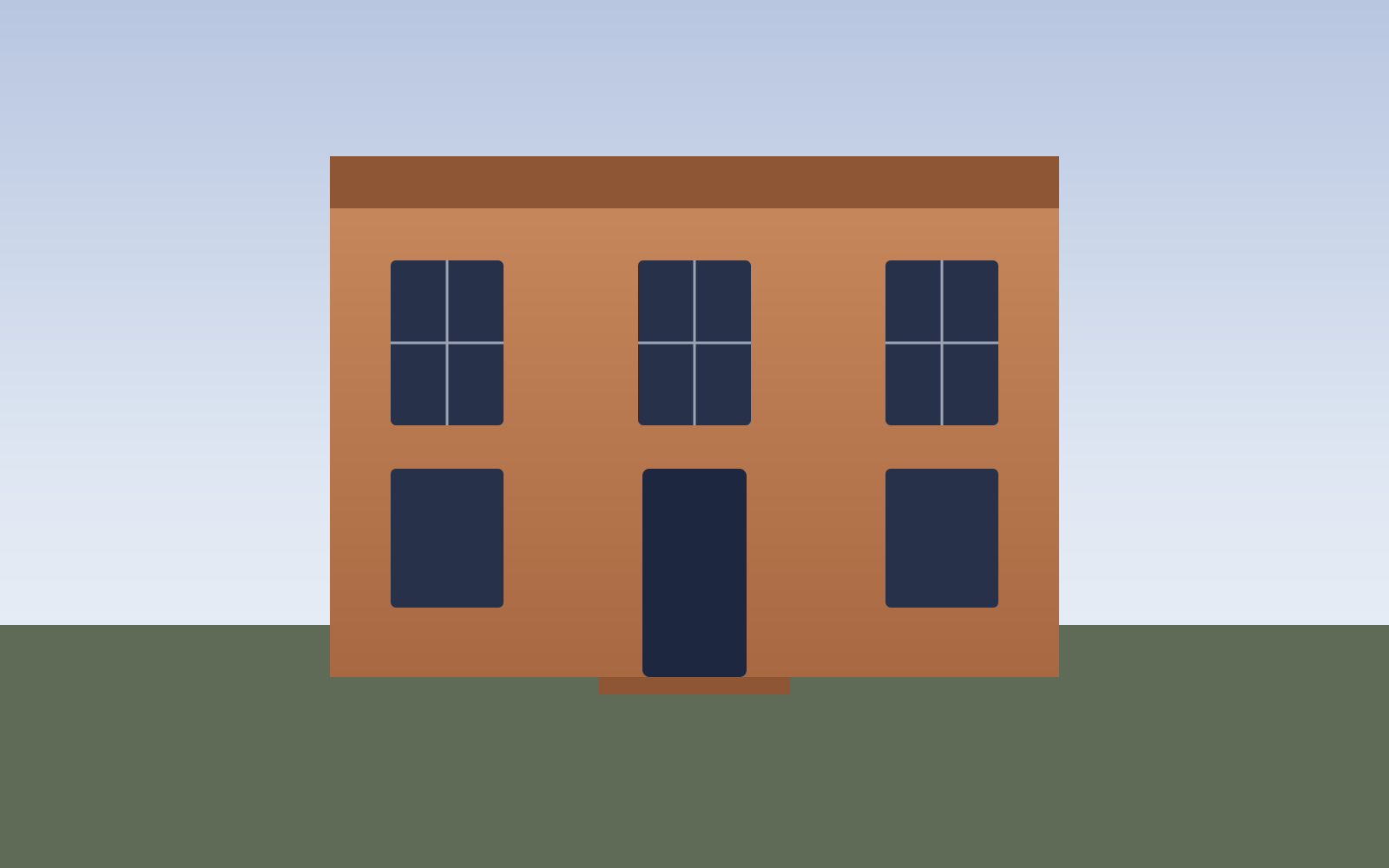
Georgian townhouse — exterior push-in
Exteriors
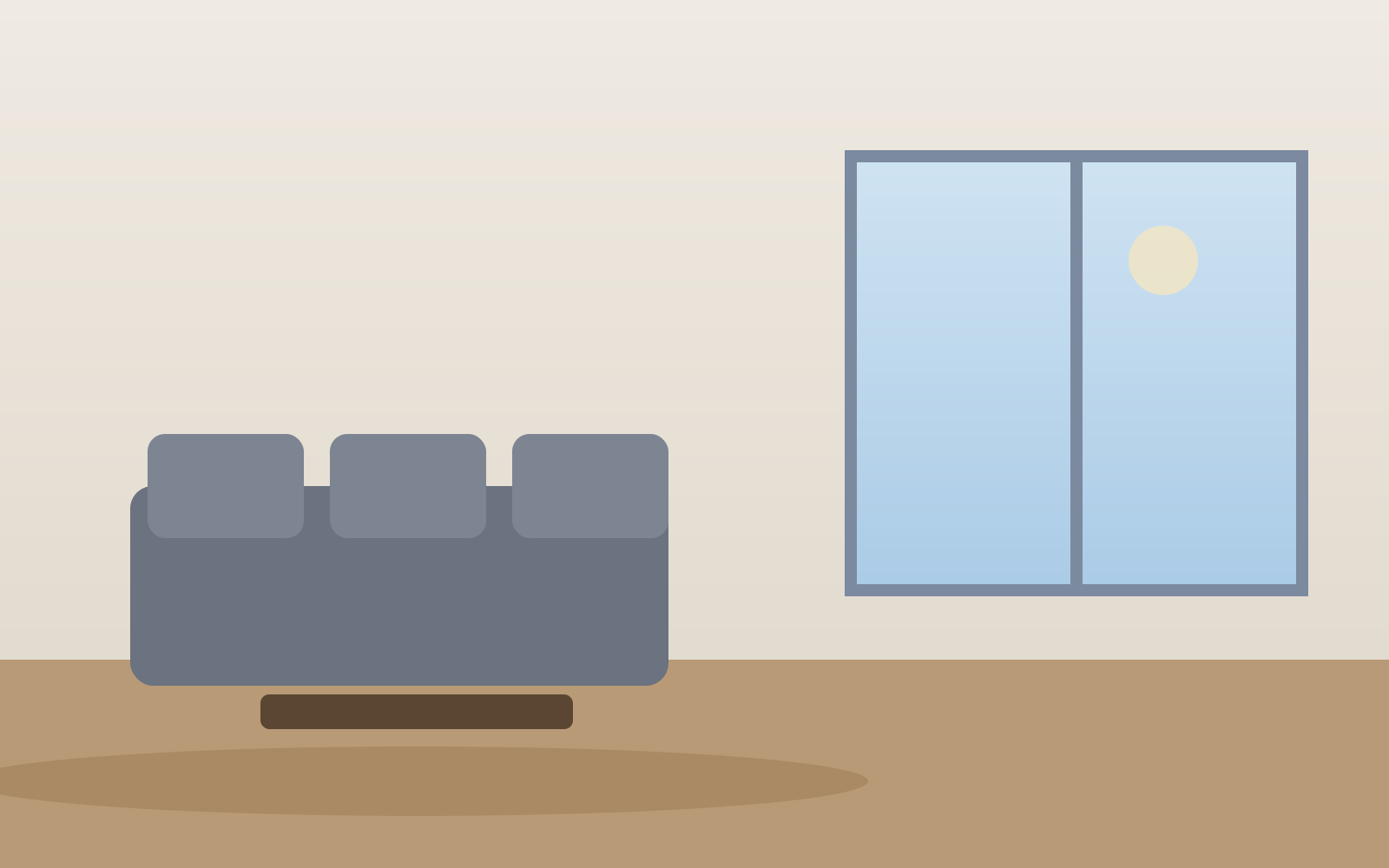
Living room — parallax motion
Interiors

Kitchen — vertical reel
Social reels
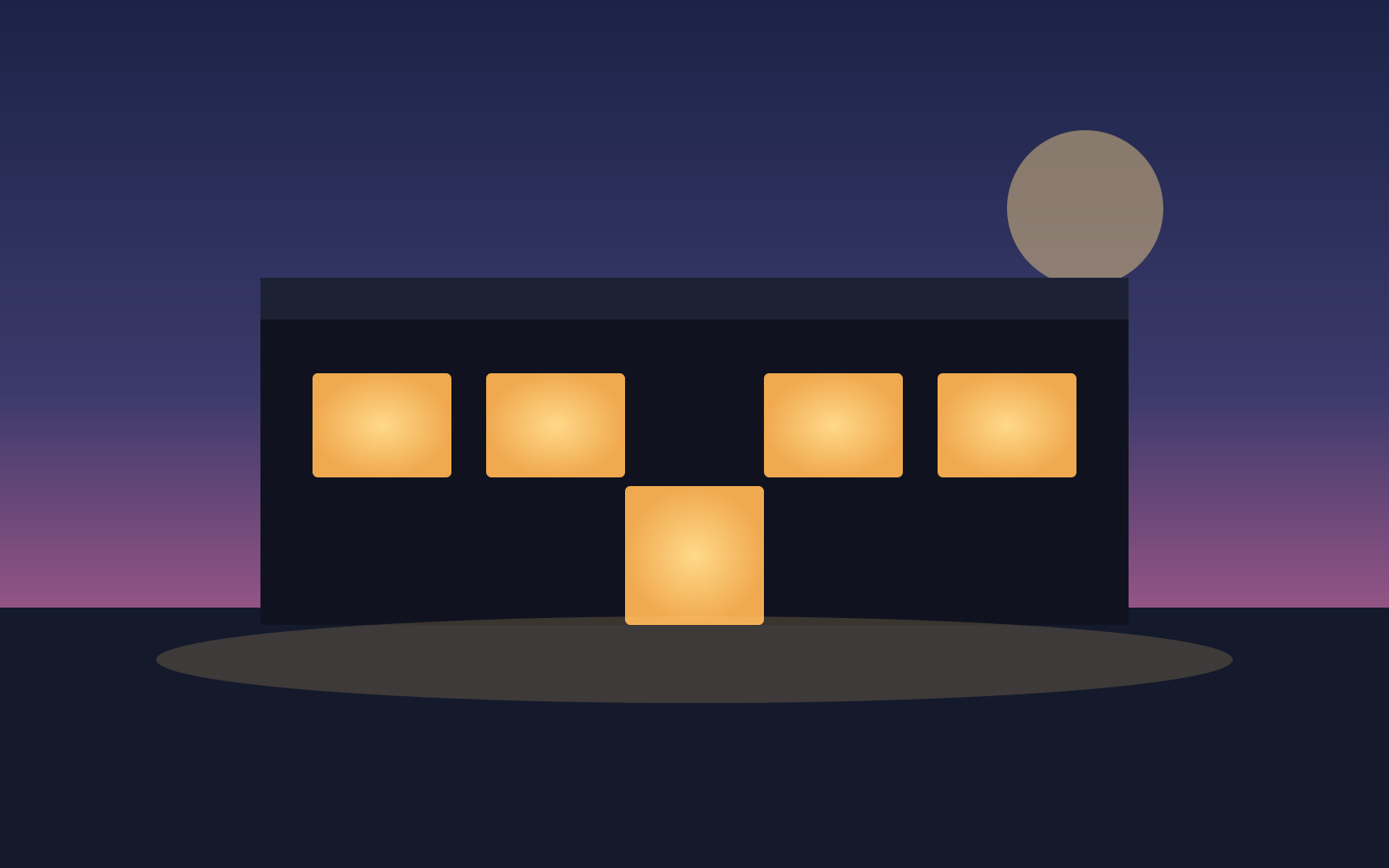
Twilight exterior — cinematic teaser
Luxury
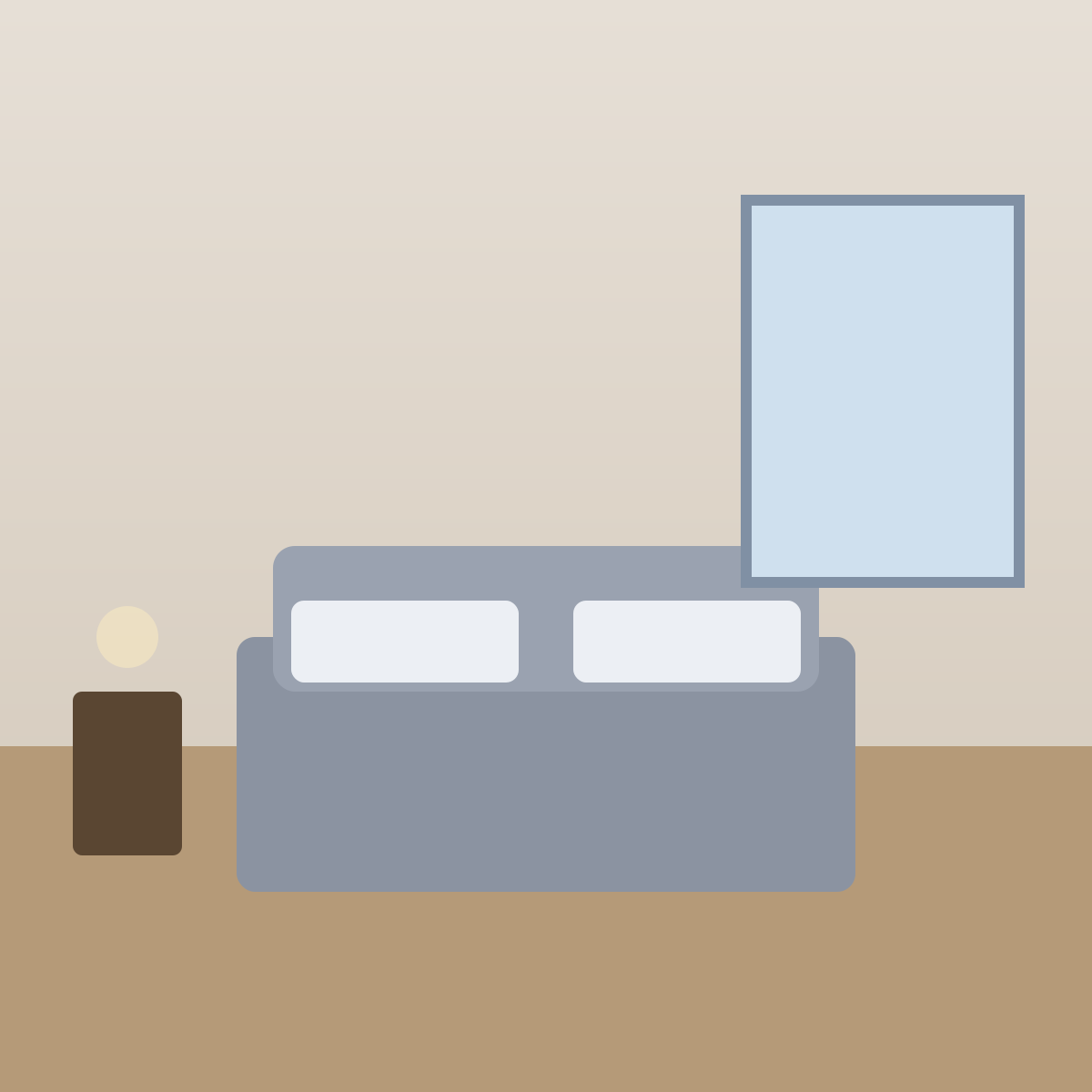
Bedroom — square social clip
Social reels
New homes — development teaser
New homes
FAQs
4 answers to the questions property professionals ask most.
Explore further
Animate your CGIs, renders and show-home photos into cinematic marketing video in minutes. Pay as you go.