How do Airbnb hosts use AI video?
Hosts animate their listing photos into vertical social clips for Instagram and TikTok, add a motion hero to their direct-booking site, and run paid social ads to fill quiet dates — all from existing images.

For Airbnb hosts
Stand out on short-stay platforms and social. ImageMotion AI turns your listing photos into cinematic videos that boost bookings — for Instagram, TikTok, direct-booking sites and ads.
Try up to 3 photos with your free welcome credits. Small watermark. No card required.

Quick answer
Airbnb hosts use ImageMotion AI to turn listing photos into cinematic social videos that boost bookings. It generates scroll-stopping clips in minutes for Instagram, TikTok and direct-booking sites, helping short-stay properties stand out and lift occupancy without any filming.
Hosts animate their listing photos into vertical social clips for Instagram and TikTok, add a motion hero to their direct-booking site, and run paid social ads to fill quiet dates — all from existing images.
Video helps your listing stand out and reaches travellers on social where they discover stays, which can lift enquiries, direct bookings and occupancy.
No. ImageMotion AI works from still photos, so you can create short-stay video from the images you already have.
Travellers increasingly find places to stay on social media, not just on booking platforms. A scroll-stopping reel of your space on Instagram or TikTok can reach thousands of potential guests and drive direct bookings that avoid platform fees.
Filming and editing video for a short-stay listing is impractical for most hosts. AI video solves it: turn the listing photos you already have into cinematic clips in minutes, then post them everywhere your guests are looking.
ImageMotion AI exports vertical, square and landscape video tuned for short-stay marketing, so your listing looks polished and inviting across every platform — and your direct site finally has motion content.
Step-by-step
From a still photo to a finished property video in three steps. Credits are only used when you confirm generation.
Add the listing photographs you already have. The tester accepts up to three images; paid packages accept more.
Choose a package, order your photos and add branding or music where the package supports them. Nothing is generated until you confirm.
Start the video when you are ready. When processing finishes, download a composed 1080p MP4.
For hosts
Reach travellers on social and lift occupancy.
Promote your own site and cut platform fees.
A moving clip makes your listing pop in the feed.
Use the photos you already have — no shoots.
Example use cases
Real ways property professionals put this to work every day.
Vertical reels to showcase your space on social.
Refresh content ahead of peak booking periods.
A motion hero clip for your booking page.
Run motion ads to drive last-minute bookings.
A small amount of video keeps a short-stay listing visible all year.
Examples
A few examples of still property photos turned into cinematic AI videos.
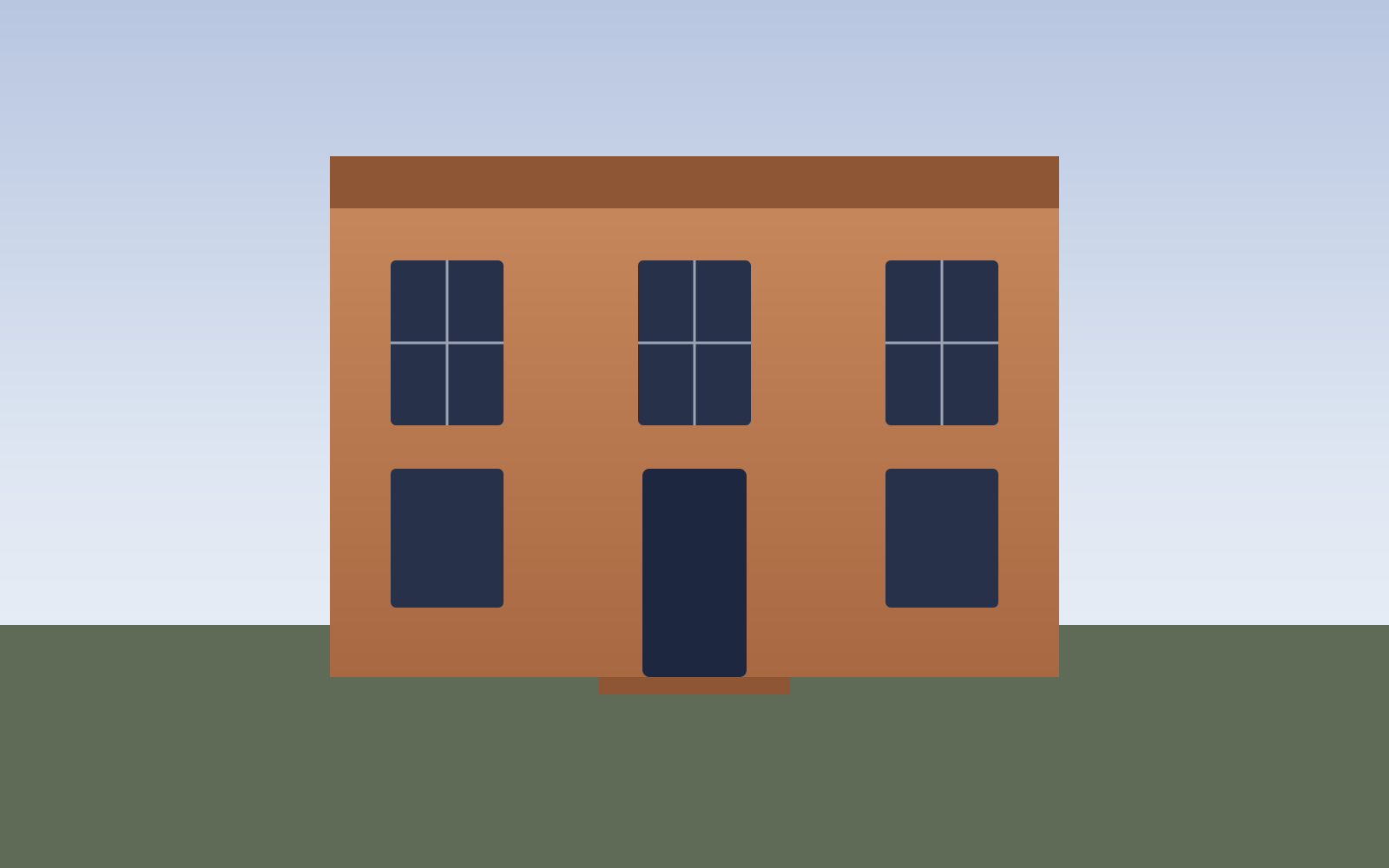
Georgian townhouse — exterior push-in
Exteriors
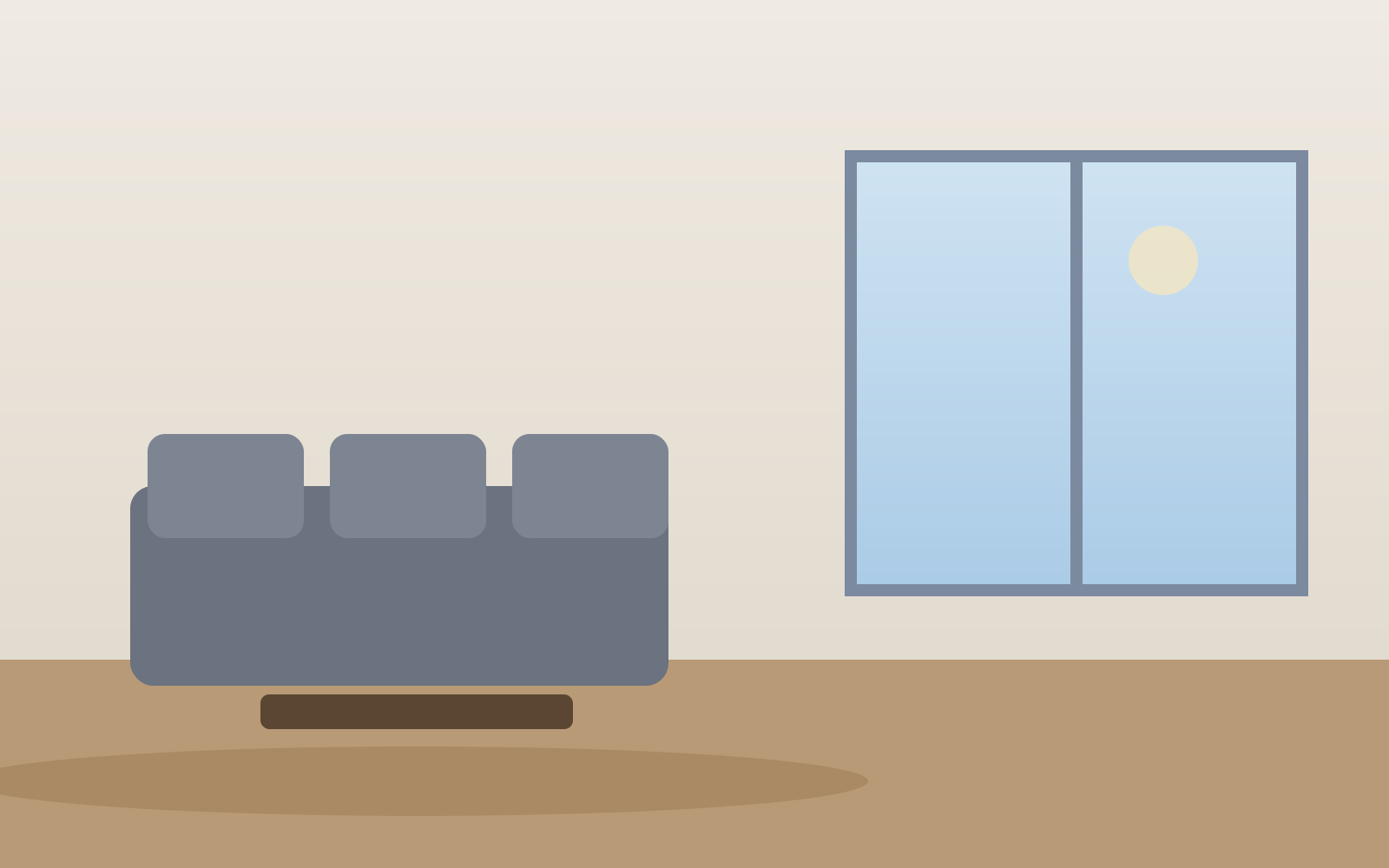
Living room — parallax motion
Interiors

Kitchen — vertical reel
Social reels
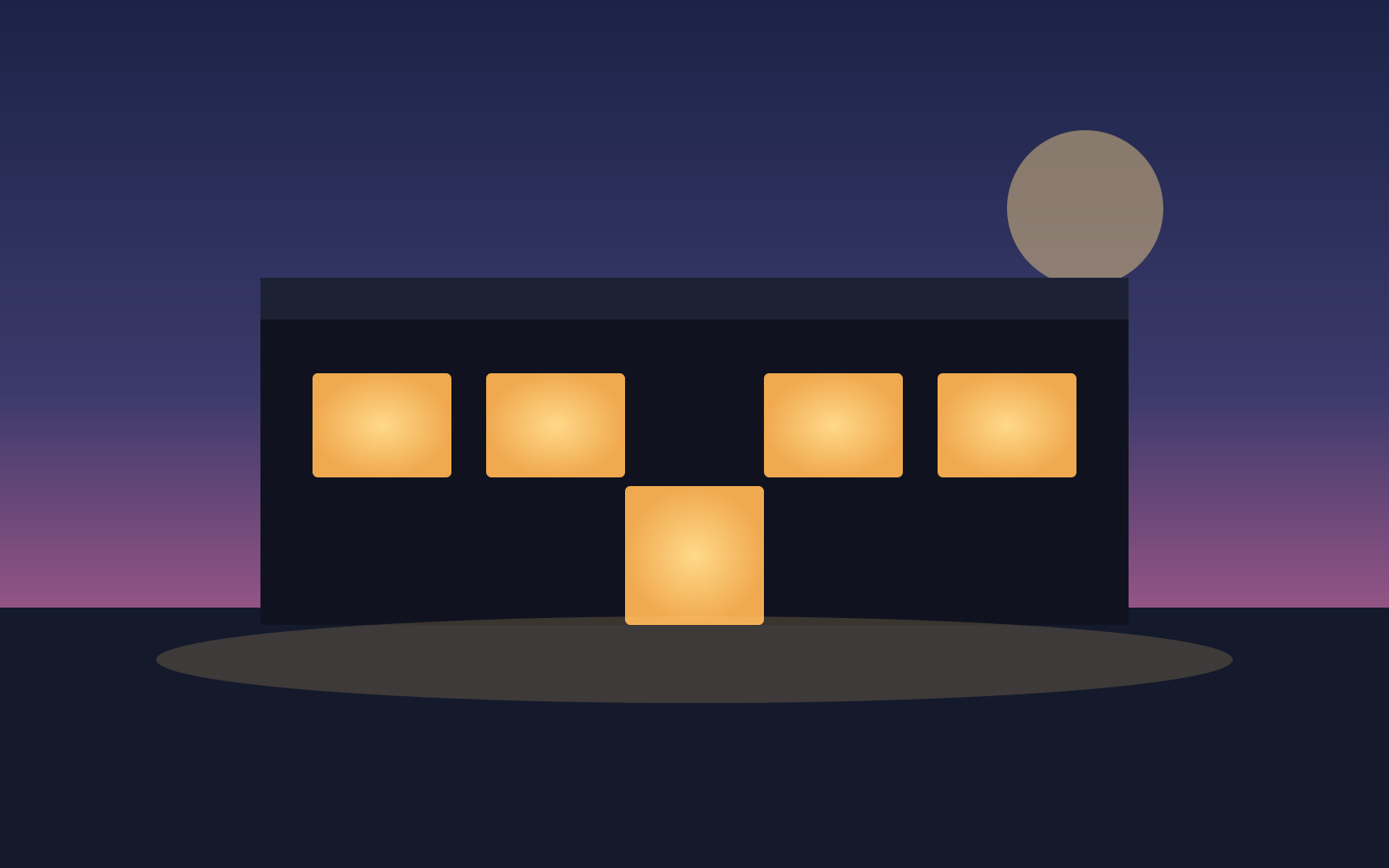
Twilight exterior — cinematic teaser
Luxury
Bedroom — square social clip
Social reels

New homes — development teaser
New homes
FAQs
4 answers to the questions property professionals ask most.
Explore further
Turn your short-stay photos into scroll-stopping social videos in minutes. Pay as you go.