What is property image to video?
Property image to video is AI software that converts still listing photos into short cinematic video clips by adding realistic camera motion, so agents can create video content from images they already have.

Property image to video
Turn your listing photos into cinematic property videos. ImageMotion AI animates interiors, exteriors and twilight shots into scroll-stopping clips for social media, portals, brochures and paid ads.
Try up to 3 photos with your free welcome credits. Small watermark. No card required.
Quick answer
Property image to video uses AI to turn your existing listing photographs into short, cinematic video clips. The AI adds realistic camera motion to interiors, exteriors and twilight shots in seconds, giving estate agents and marketers ready-made motion content without filming the property.
Property image to video is AI software that converts still listing photos into short cinematic video clips by adding realistic camera motion, so agents can create video content from images they already have.
Sharp, well-lit, high-resolution images animate best. Wide interiors, hero exteriors and twilight shots produce the most cinematic motion. Decluttered or virtually staged rooms give the cleanest results.
Yes. Clips export as standard MP4 in landscape, square and portrait, ready for Rightmove, Zoopla, your website, social media, brochures and ads.
Property image to video is the process of turning still listing photographs into moving video clips using AI. Rather than commissioning a videographer or filming a walkthrough, you take the photos you already have and animate them with cinematic camera motion.
This solves a real problem for property marketers: video performs brilliantly on social media and portals, but filming every listing is slow and expensive. With property image to video, every photo in your gallery becomes a potential clip — a hero exterior, a living-room reel, a room-by-room sequence — all generated in seconds.
ImageMotion AI is purpose-built for property. The motion presets, pacing and framing are designed to flatter rooms and elevations, so your clips look like considered property films rather than generic animated photos.
Step-by-step
From a still photo to a finished property video in three steps. Credits are only used when you confirm generation.
Add the listing photographs you already have. The tester accepts up to three images; paid packages accept more.
Choose a package, order your photos and add branding or music where the package supports them. Nothing is generated until you confirm.
Start the video when you are ready. When processing finishes, download a composed 1080p MP4.
Why property teams use it
Every listing image becomes motion content — no extra shoots or site visits.
Camera moves are designed to flatter interiors, exteriors and twilight shots.
Generate a full set of clips for a listing in minutes, not days.
Export landscape, square and portrait for portals, websites and every feed.
Example use cases
Real ways property professionals put this to work every day.
Animate staged or decluttered interiors into smooth motion clips.
Open every listing with a cinematic exterior push-in.
Turn dusk shots into premium, glowing-window teasers.
Sequence animated rooms into a mini video walkthrough.
Agents use property image to video to add motion to listings that would never justify a film crew. A new instruction can have a hero exterior clip and a social reel within minutes of the photos arriving.
Property image to video works best as the final step in your image workflow. Declutter and enhance photos first, virtually stage empty rooms, convert daytime exteriors to twilight — then animate the finished images into video.
Because ImageMotion AI sits in the wider ReHub Studio ecosystem, you can move from clean photos to staged rooms to twilight exteriors to finished video without leaving the toolset.
Examples
Published ImageMotion clips. The still stays visible until you press play.
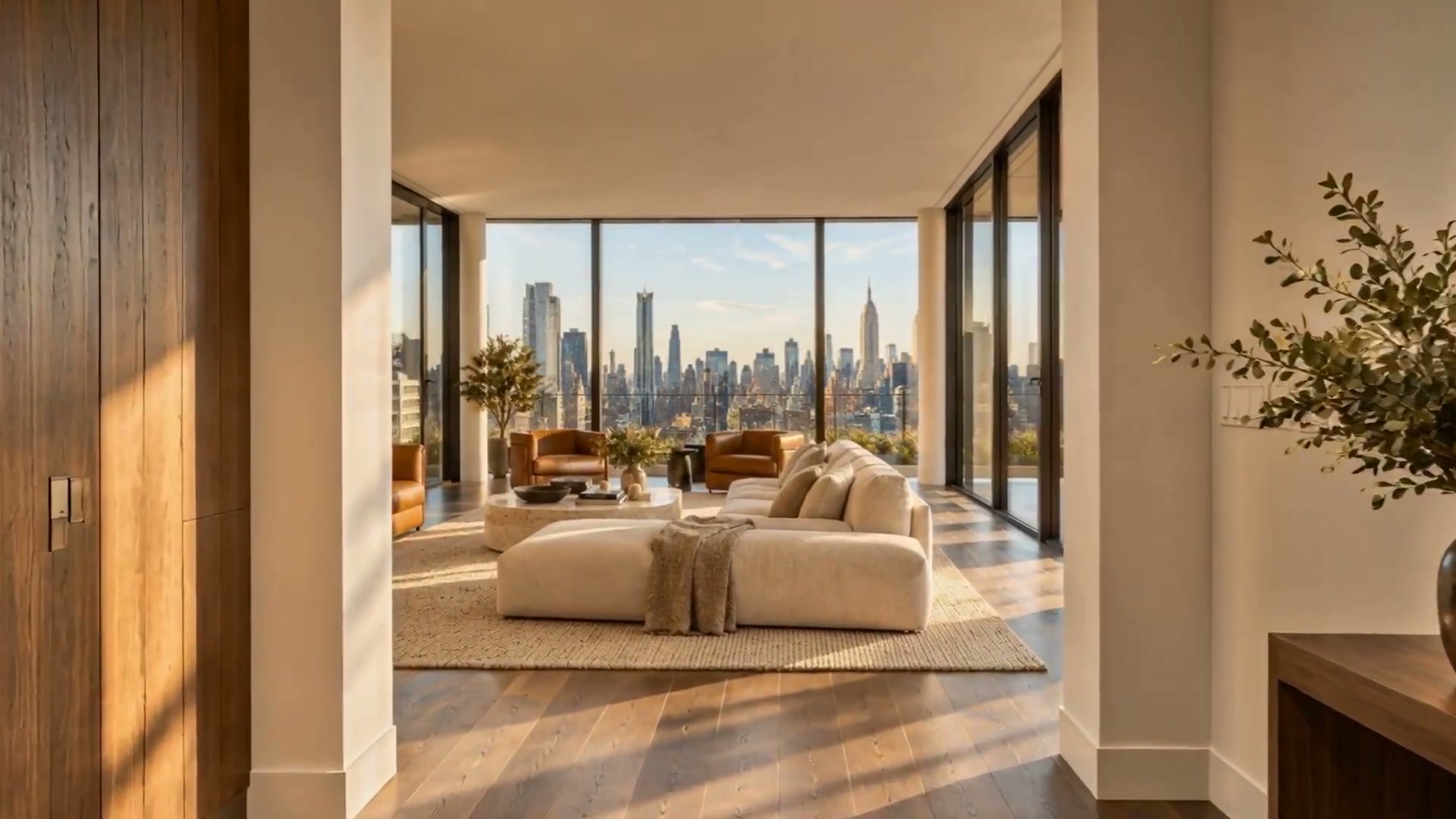
Luxury
A New York penthouse with Manhattan skyline views, presented as an ImageMotion listing video.
Landscape MP4
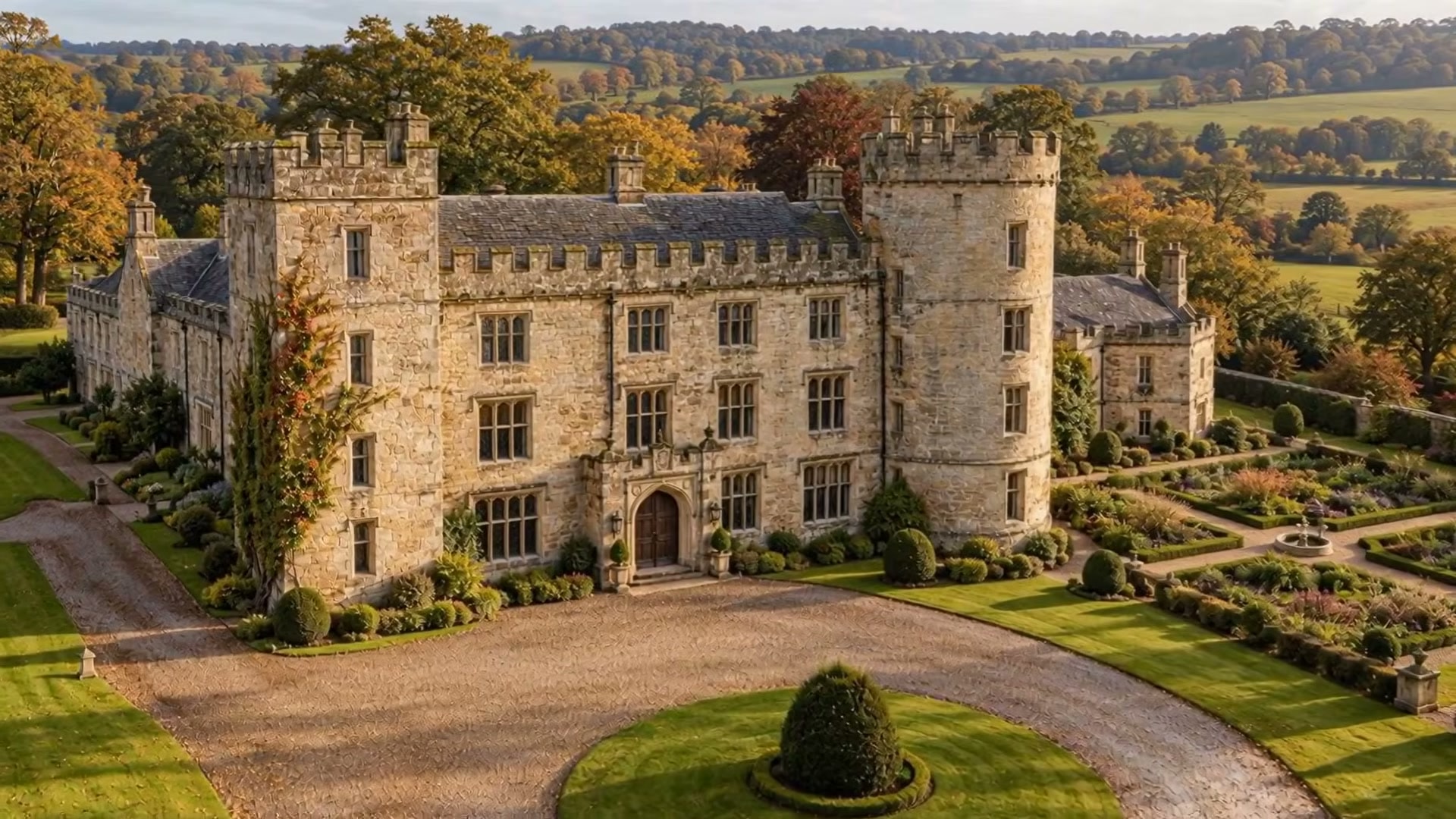
Luxury
A historic British castle, from the stone towers and formal gardens through the rooms inside.
Landscape MP4
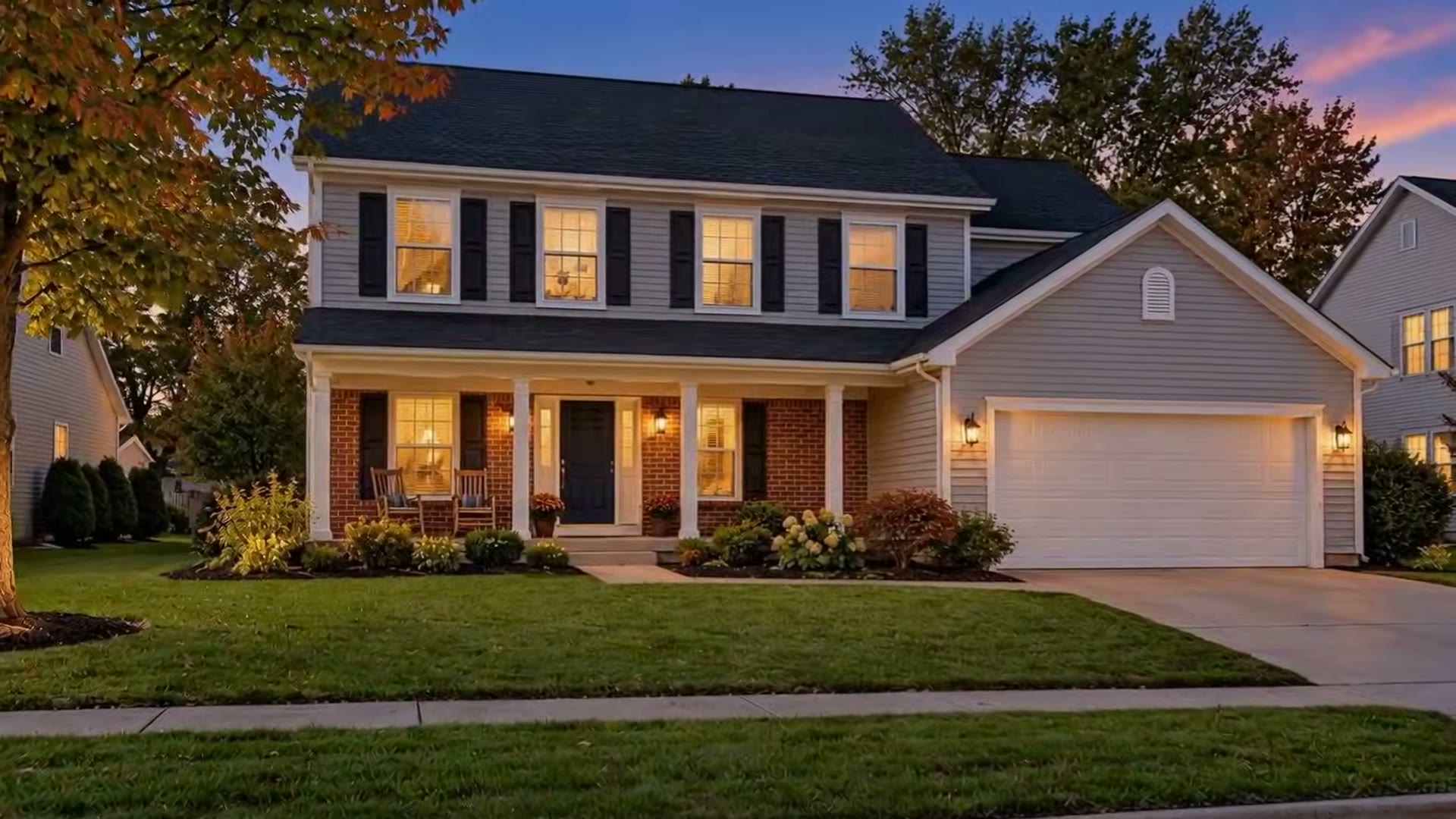
Residential
A suburban house tour, from the porch at dusk through the rooms inside.
Landscape MP4
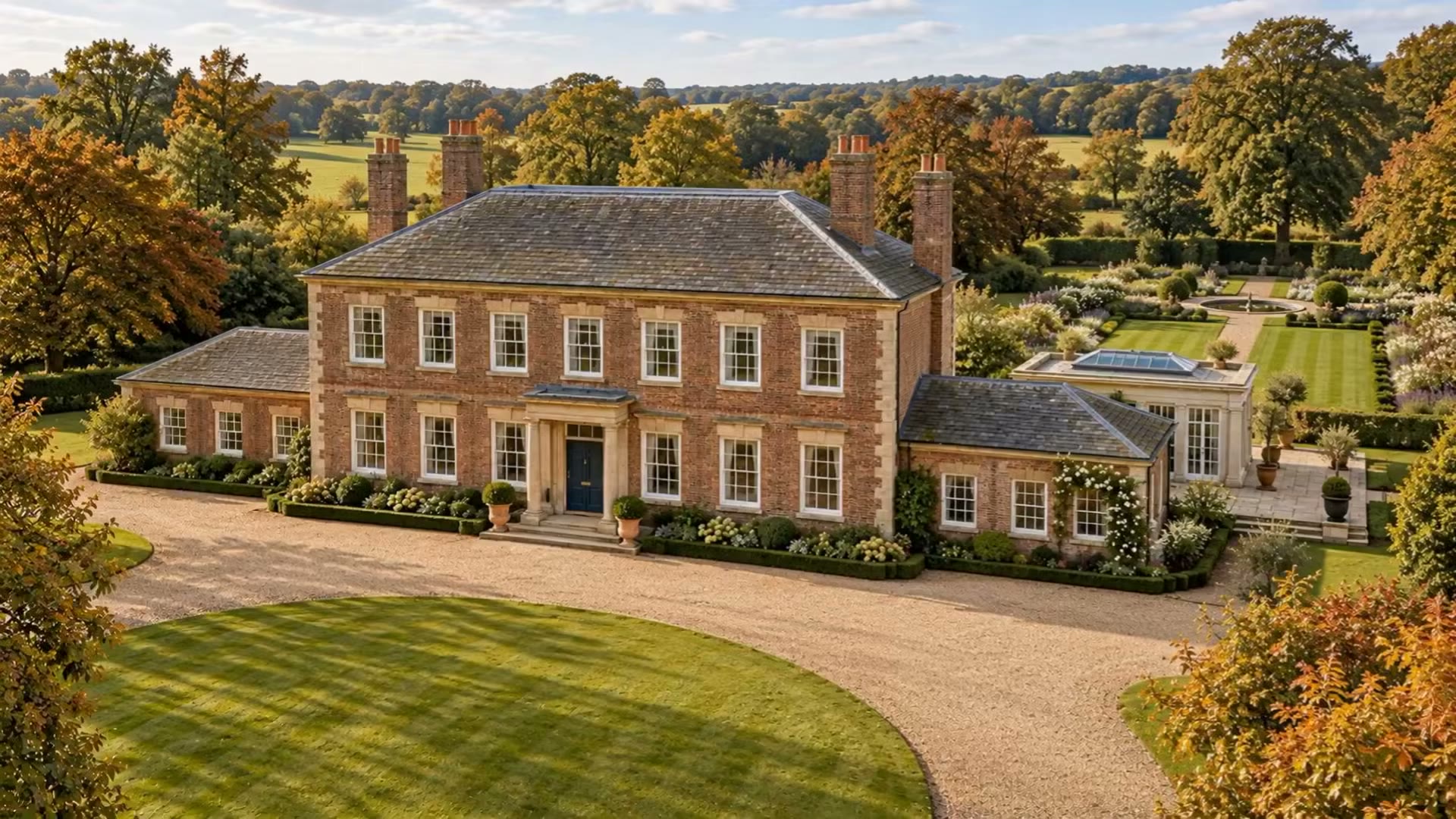
Luxury
A traditional English country house, from the gardens through the formal rooms.
Landscape MP4
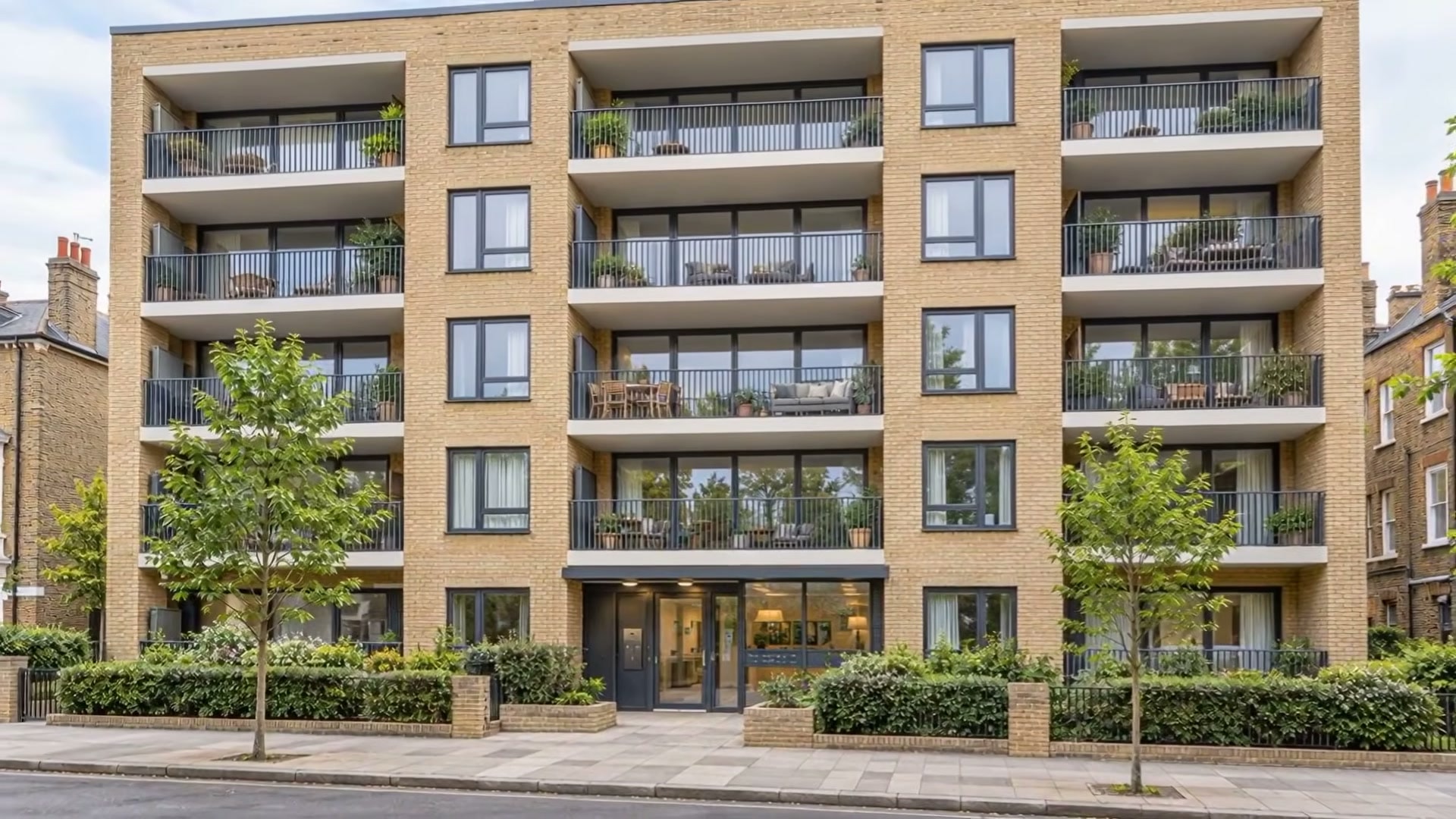
Flat or townhouse
A modern London apartment, from the street front through the rooms and balcony.
Landscape MP4
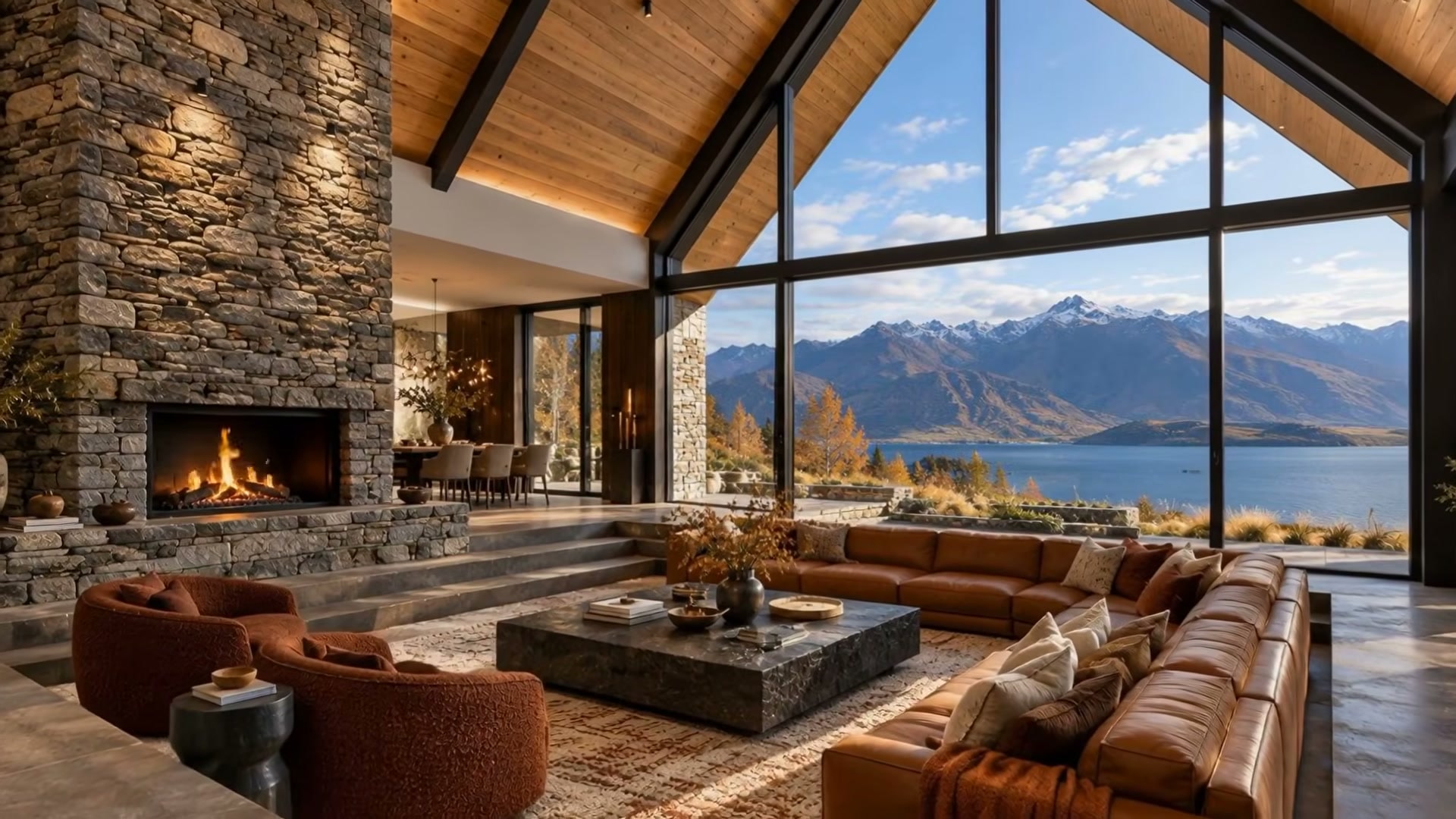
Luxury
A Queenstown, New Zealand property presented as an ImageMotion listing video.
Landscape MP4
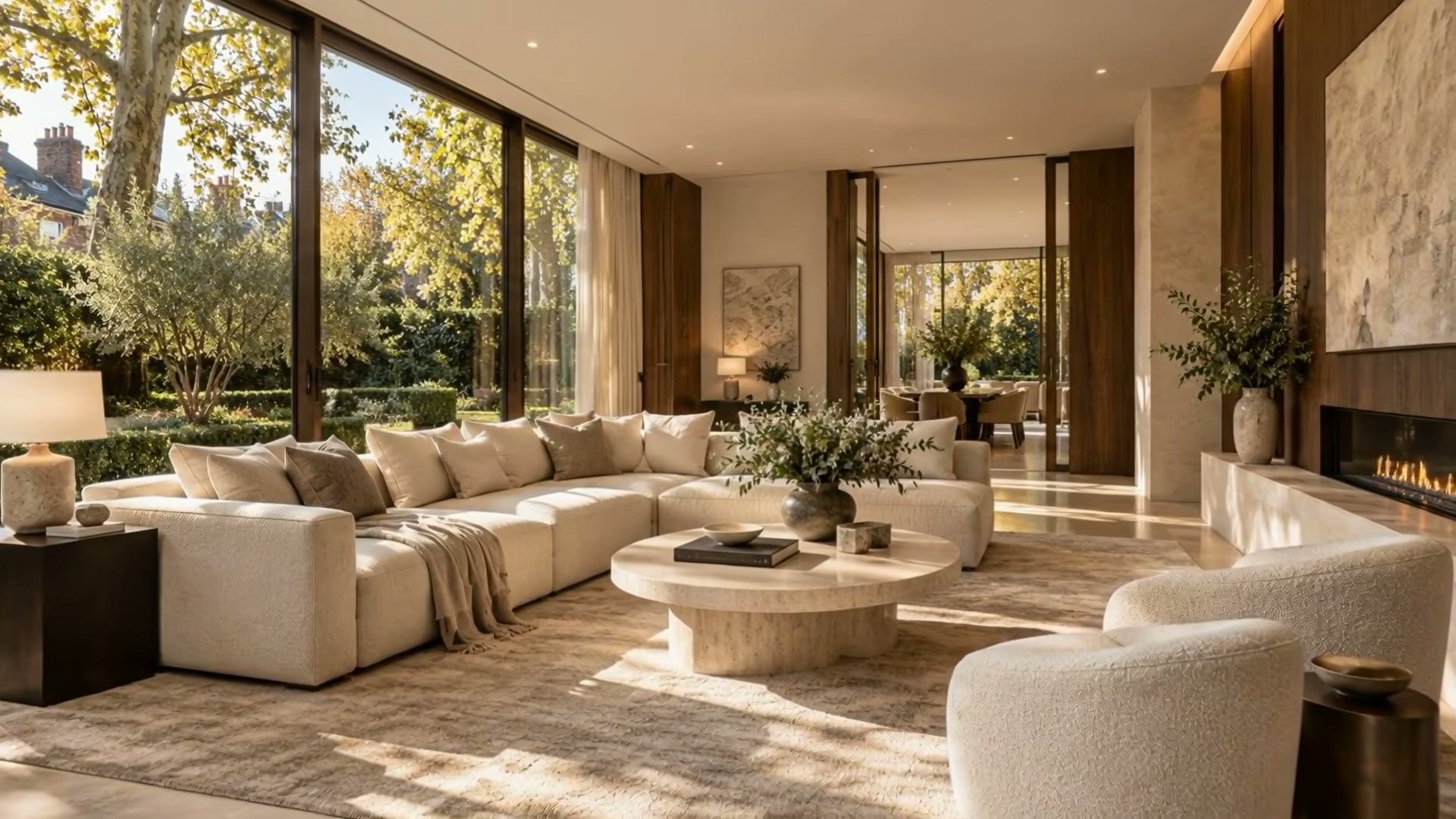
Luxury
A luxury London property presented as an ImageMotion listing video.
Landscape MP4
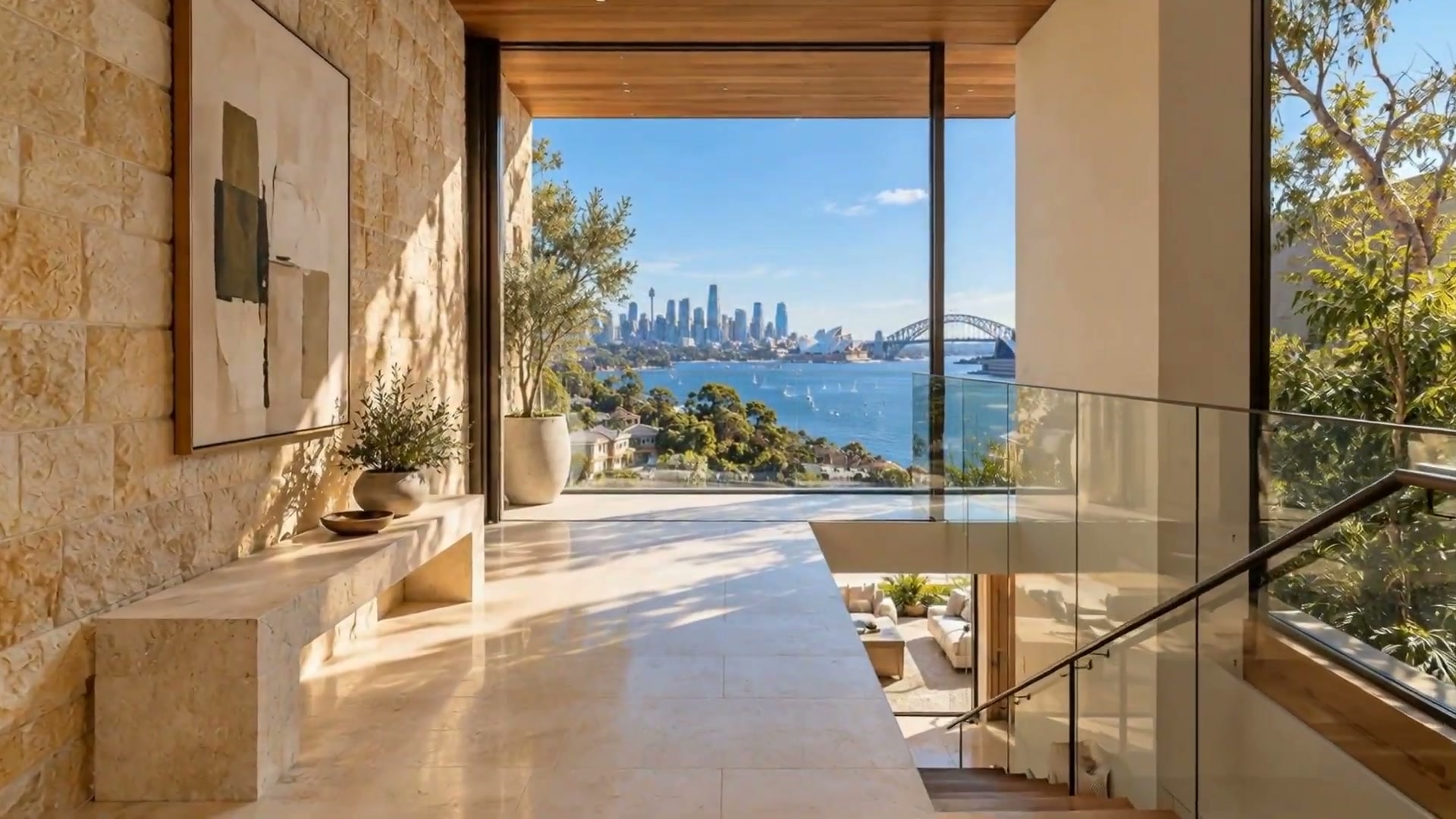
Luxury
A Sydney luxury property presented as an ImageMotion listing video.
Landscape MP4
FAQs
5 answers to the questions property professionals ask most.
Explore further
Try up to 3 photos with your free welcome credits. Small watermark. No card required.